
How to Deploy JavaScript Apps to Github Pages
Actionable step by step instruction on how to take your JS app to the public via Github Pages.

Prerequisites:
Node, npm installed on your machine
Some application in JavaScript: doesn’t really matter whether it is in React, Angular, etc.
Github account
How it works and the problem statement
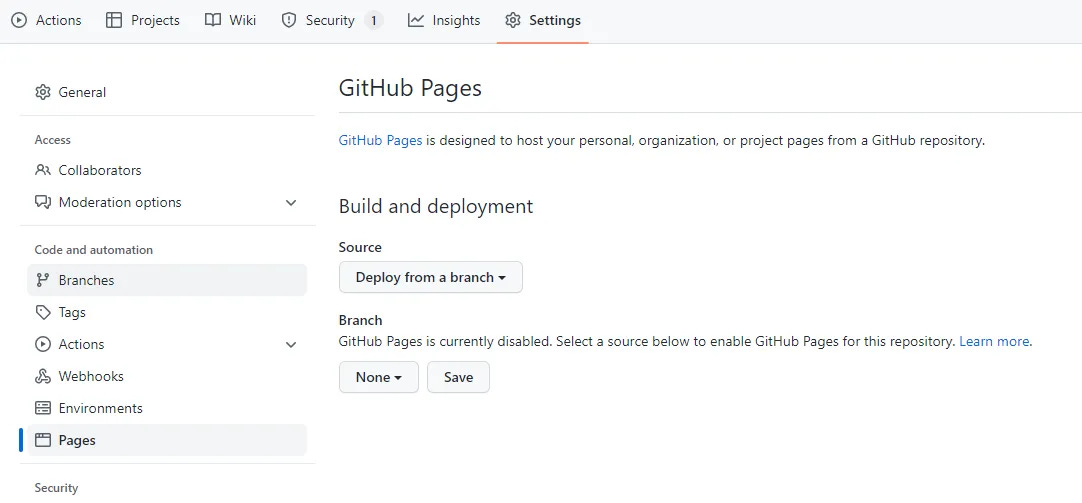
Content of every public GitHub repository can be deployed to the public internet just by going to the settings of your repository and choosing from which branch you want the content of your future website to be served.
After choosing a branch its content will be deployed within a couple of minutes and you’ll see smth like in the screenshot below, the site is deployed under the URL which is comprised of your GitHub account name and repository name.
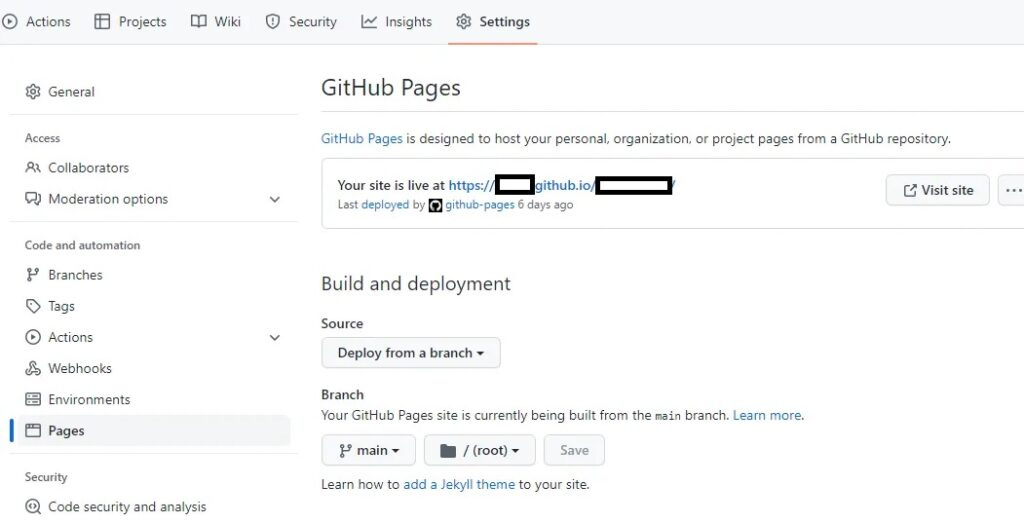
It’s that simple, but here is the trick — you want your compiled code to be served in a website, not just static content you have in your repository as sources.
So put it simply, if you’d just change the setting in the GitHub repository as described before, the code structure like in the pic below will just result in README.md shown on the website.
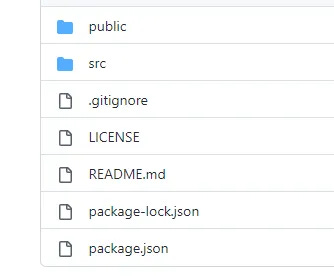
Not really what we expected, huh? Let me show you how to solve this by example in React.
Solution by example in React
I have a simple React app, created by template from https://github.com/facebook/create-react-app
To deploy our app, we need to change only one file: package.json
That’s why what I’ll describe further applies to basically any other JavaScript application, with minor differences in build script trigger.
First, we’d need a gh-pages dev dependency, let’s add it by running:
npm install gh-pages --save-devSecond, let’s add our website URL to the top-level declaration in the package.json file:
"homepage": "https://<your-github-username>.github.io/<your-github-repo>"The third and last step before deploying is to declare deployment scripts in the scripts section of the package.json file:
"predeploy": "npm run build",
"deploy": "gh-pages -d build",
As of this moment, we are done with configuring, let’s run
npm run deployThis command will do the following:
run pre-deploy script building our application source code
create a git branch with the name gh-pages if it didn’t exist before (like from previous executions of this command)
push compiled code to this branch and serve it to the webpage under the URL we specified in the second step. Settings of the GitHub repository will change correspondingly, like serving from the gh-pages branch.
The webpage will be live in a couple min
Note: when executing npm run deploy you will most probably be prompted with credentials to continue, they tend to appear several times and may not work in all terminals by default.
Further steps and clarifications
Clearly, we should continue developing in our main branch (not encouraging it to be unprotected), synthetic branch gh-pages will just serve for deployment purposes holding compiled code of whatever we have locally (which means it doesn’t have to correspond to the main branch).
Happy coding!